Quick answer
Run a virtual door prize draw for online events by preparing your attendee list, sharing your screen clearly, drawing winners in sequence, and verifying results manually.
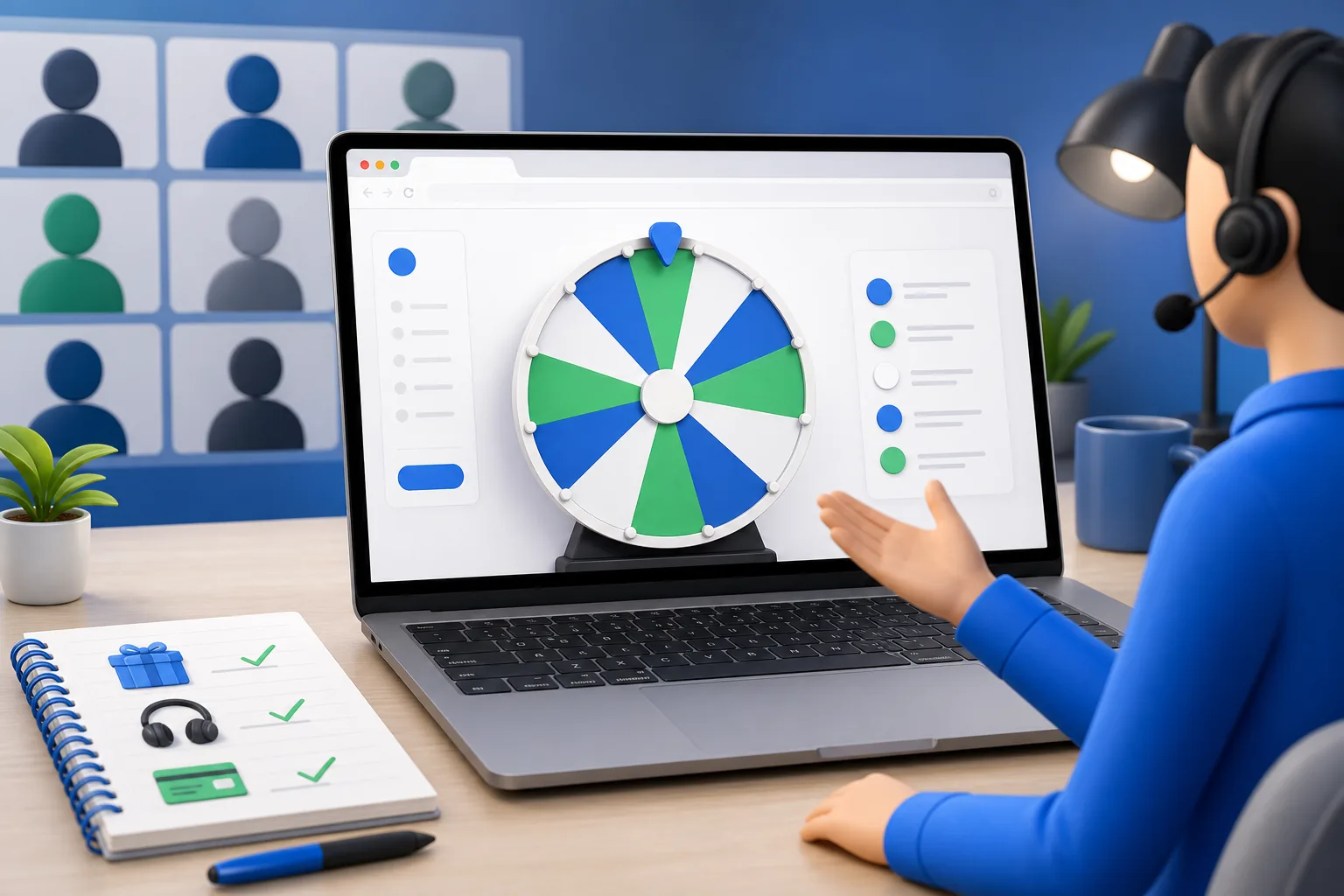
What a virtual door prize draw needs to feel fair
In a physical room, people can see the fishbowl and the hand pulling the ticket. Online, that visibility disappears unless you rebuild it deliberately. A virtual door prize draw feels fair when attendees can see the same entry list you see, watch one clear draw on a shared screen, and hear the winner announced without any pause to edit anything. The tool spins a random result, but the trust comes from the way you present it. Everything in this guide is about restoring that shared, visible moment for a remote audience.
Prepare Your Attendee List from Your Meeting Software
Start by exporting or copying your attendee list from your webinar or meeting platform. Most tools let you download a participant or registration report, which becomes the raw source for your draw. Clean this list the same way you would any roster: keep one attendee per line, remove hosts and panelists who are not eligible, and drop anyone who left early if your rules require attendance at draw time. The picker does not connect to your meeting software directly, so you paste the cleaned names in yourself, which also gives you a clear eligibility checkpoint.
- Export the participant or registration report from your platform
- Keep one attendee name or ID per line
- Remove hosts, co-hosts, and panelists who cannot win
- Apply your eligibility rule, such as present at draw time
- Decide whether to show full names, first names, or seat numbers
Set Up Your Screen Share for Maximum Engagement
Before the draw, get your screen share ready so the transition is smooth and no one sees you fumbling between windows. Open the draw wheel in a clean browser tab with the entry list already pasted and reviewed. Share only that tab or window rather than your whole desktop, which keeps notifications and other tabs private. Increase the zoom so names and the wheel are large enough to read on a phone. A quick test share with a colleague beforehand confirms that the animation is smooth and the text is legible for your audience.
- Open the draw in a dedicated browser tab and paste the list ahead of time
- Share a single tab or window, not your full desktop
- Zoom in so the wheel and names are readable on small screens
- Turn off pop-up notifications before you present
- Do a short test share to check smoothness and legibility
Show the entry list before you spin
Once you are screen sharing, display the full entry list or at least the total number of eligible attendees. Say the count out loud so people watching on audio-only connections can follow along. This is the single most important trust step in a virtual draw, because attendees cannot inspect the pool themselves. Give everyone a few seconds to see it, confirm nobody flags an obvious problem, and only then move to the spin. Avoid editing the list after you have shown it, since any change undermines the visible fairness you just established.
Run the Draw and Manage Multi-Prize Sequences
For a single door prize, one clean spin is all you need. For multiple prizes, run them one at a time so each result is its own clear moment. Announce which prize you are drawing, spin once, read the winner aloud, and note it before moving on. To avoid the same person winning twice, remove each winner from the list before the next spin so there are no repeats unless your rules allow them. If a winner is not present or does not respond in your chat within a set window, draw a backup the same way and keep the pace lively.
- State the prize before each spin so the sequence is clear
- Spin once per prize and read the winner aloud
- Remove each winner before the next spin to prevent repeats
- Give unclaimed prizes a short response window in chat
- Draw backup winners the same visible way when needed
Document and Verify the Winners Manually
After the draws, capture the outcome while it is fresh. Save a screenshot of each winner screen or a short recording of the spins, since the picker preserves results by your own action rather than automatically. Write down each prize, its winner, the draw order, and a timestamp. Cross-check every winner against your original attendee export to confirm they were genuinely eligible and present. This manual verification is what lets you answer questions confidently later and gives sponsors a tidy record of who received each prize.
- Screenshot or record each winning spin as you go
- Log prize, winner, draw order, and a timestamp
- Match each winner back to your attendee export
- Confirm eligibility rules were met for every winner
- Share a short recap message so all attendees see the results
Handling winners who are not in the room
Remote events almost always have a winner who stepped away or lost connection. Plan for this before you start. Set a simple rule such as the winner must react in chat within sixty seconds or a backup is drawn. Announce this rule up front so no one feels blindsided. When a backup is needed, run the draw the same visible way rather than quietly picking someone, which keeps the process consistent. Collecting delivery details, such as an email for a gift card, is a follow-up step you handle outside the draw itself.
Keeping momentum and privacy across multiple prizes
Long prize sequences can drag if every spin is treated like a suspenseful reveal. Keep a steady rhythm: announce, spin, confirm, move on. If you are worried about showing full names on a public webinar, use first names with a last initial or an attendee number tied to your export, and explain the mapping so people can still recognize themselves. The draw remains fair as long as the on screen pool matches your verified list, so you can protect privacy and keep the event moving at the same time.
Questions about this workflow
How do I get my attendee list into the draw for a virtual event?+
Export the participant or registration report from your meeting software, clean it to one eligible attendee per line, and paste those names into the draw. The picker does not connect to your platform automatically, so pasting the list is also your eligibility checkpoint.
Should I share my whole screen for the draw?+
No. Share only the browser tab or window with the draw wheel so notifications and other tabs stay private. Zoom in so the wheel and names are readable on small screens, and do a quick test share beforehand.
How do I draw several door prizes without repeats?+
Draw one prize at a time. After each spin, remove the winner from the entry list before the next spin so the same person cannot win twice unless your rules allow it. Announce each prize and winner clearly as you go.
What happens if a winner is not present?+
Set a rule in advance, such as reacting in chat within a short window, then draw a backup winner the same visible way if no one responds. Announcing this rule up front keeps the process fair for everyone.
How do I prove the virtual draw was fair afterward?+
Show the entry list or count before spinning, then save a screenshot or recording of each result. Log the prize, winner, draw order, and timestamp, and match every winner back to your attendee export to confirm eligibility.